Product

RECOMMENDED

FREE TRIAL

Resources
animation-1-min-1 Want to see for yourself? Check out our live preview.

Seamless integration with Google Play Google Play

How to track Google Play subscription MRR and churn

Connect Google Play to Baremetrics with a Google Cloud service account, its JSON key and your Play Console reports bucket ID. Baremetrics turns your Google Play subscription data into MRR, ARR, churn, LTV and other subscription metrics, alongside your App Store and web revenue.

What you get when you connect Google Play

Baremetrics syncs your Google Play subscription data and turns it into the metrics app teams track:

  • MRR and ARR from your Google Play subscriptions.
  • Customer and revenue churn for your Android subscribers.
  • LTV and ARPU for your Google Play subscribers.
  • App and web revenue in one dashboard: add App Store Connect, Stripe, Braintree or Recurly from the same Data Connections page.
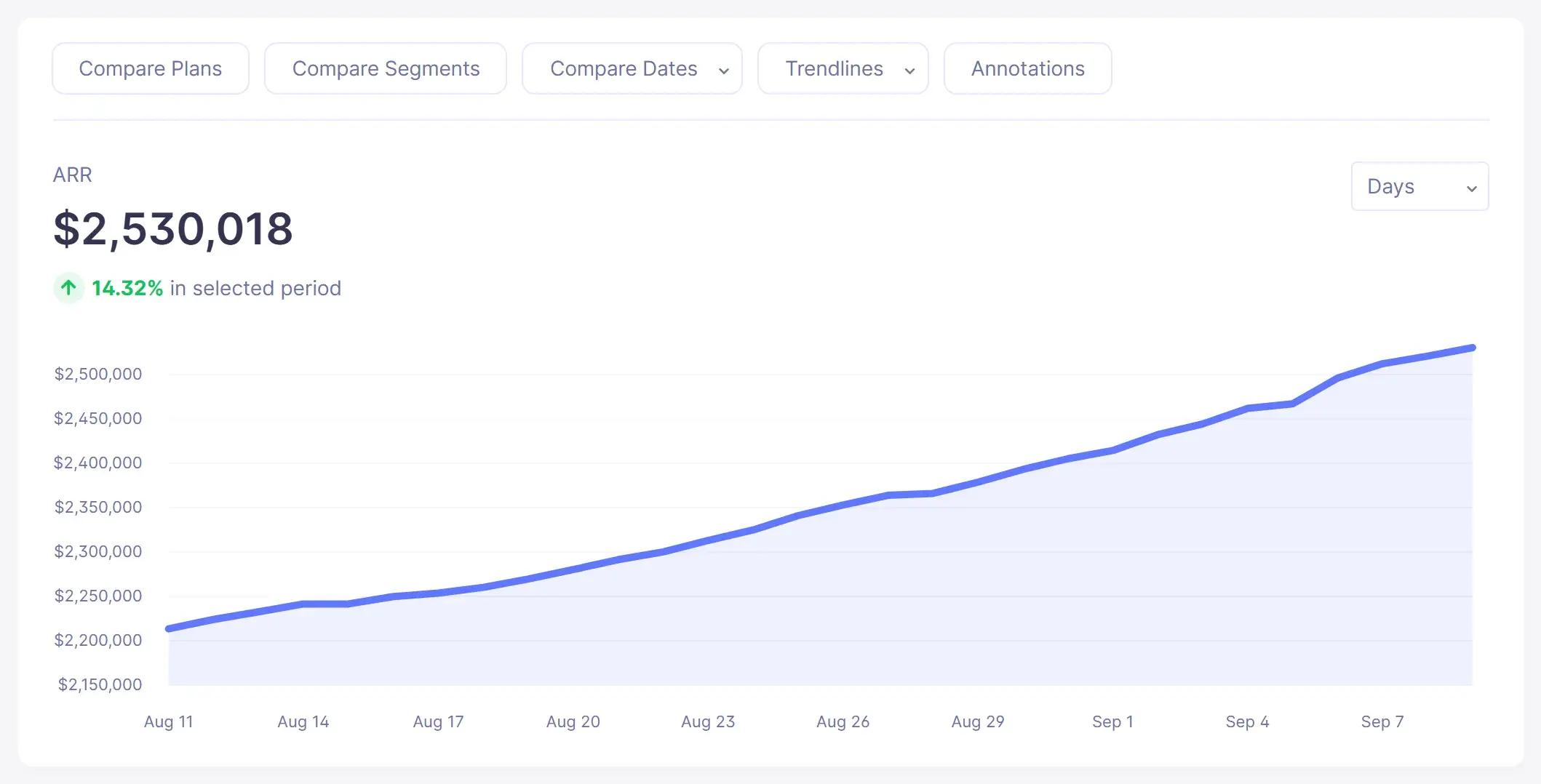
Annual Run Rate trend chart in Baremetrics (sample data)
ARR in the live demo
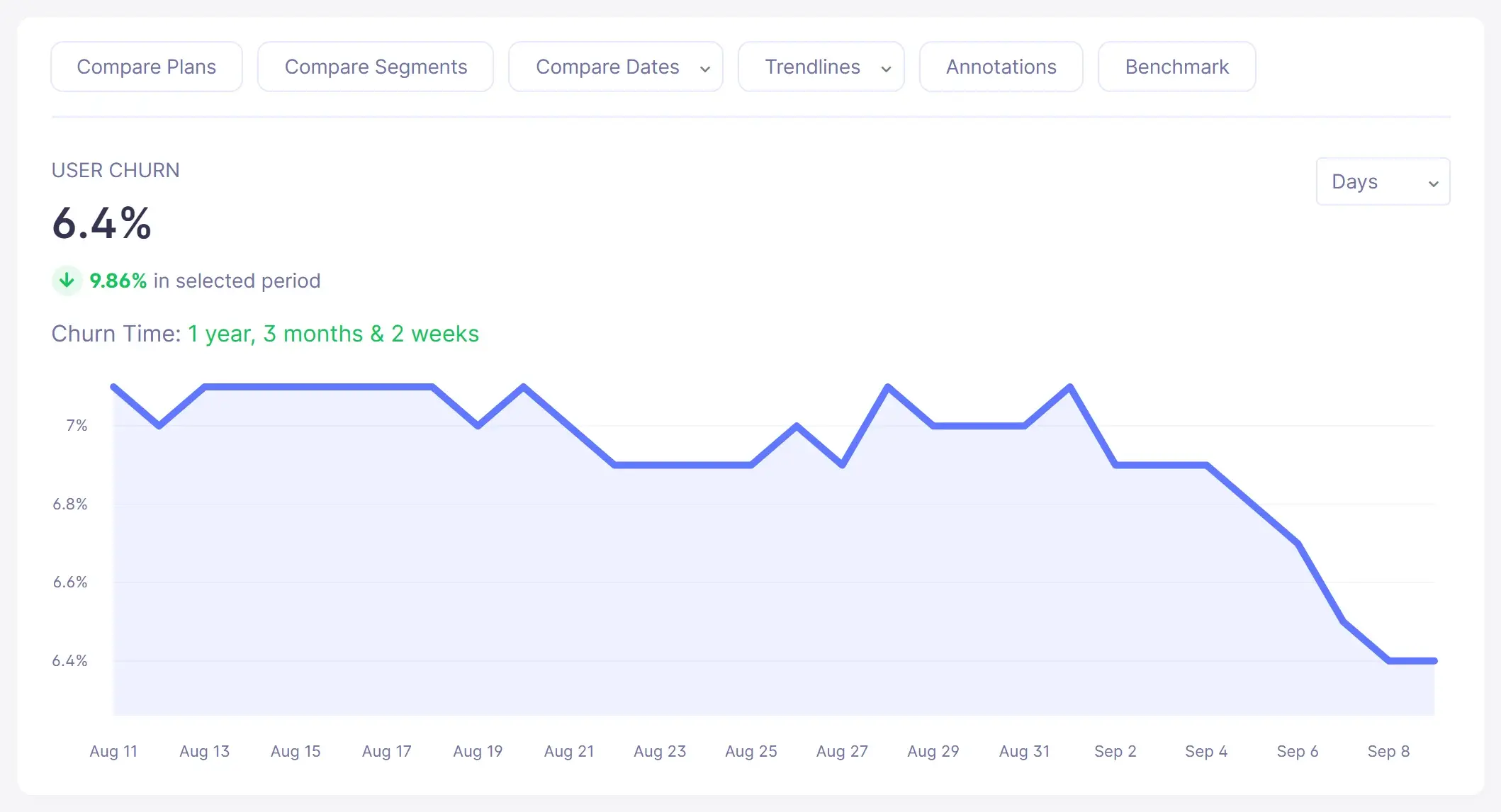
Customer (user) churn rate trend chart in Baremetrics (sample data)
Customer churn in the live demo
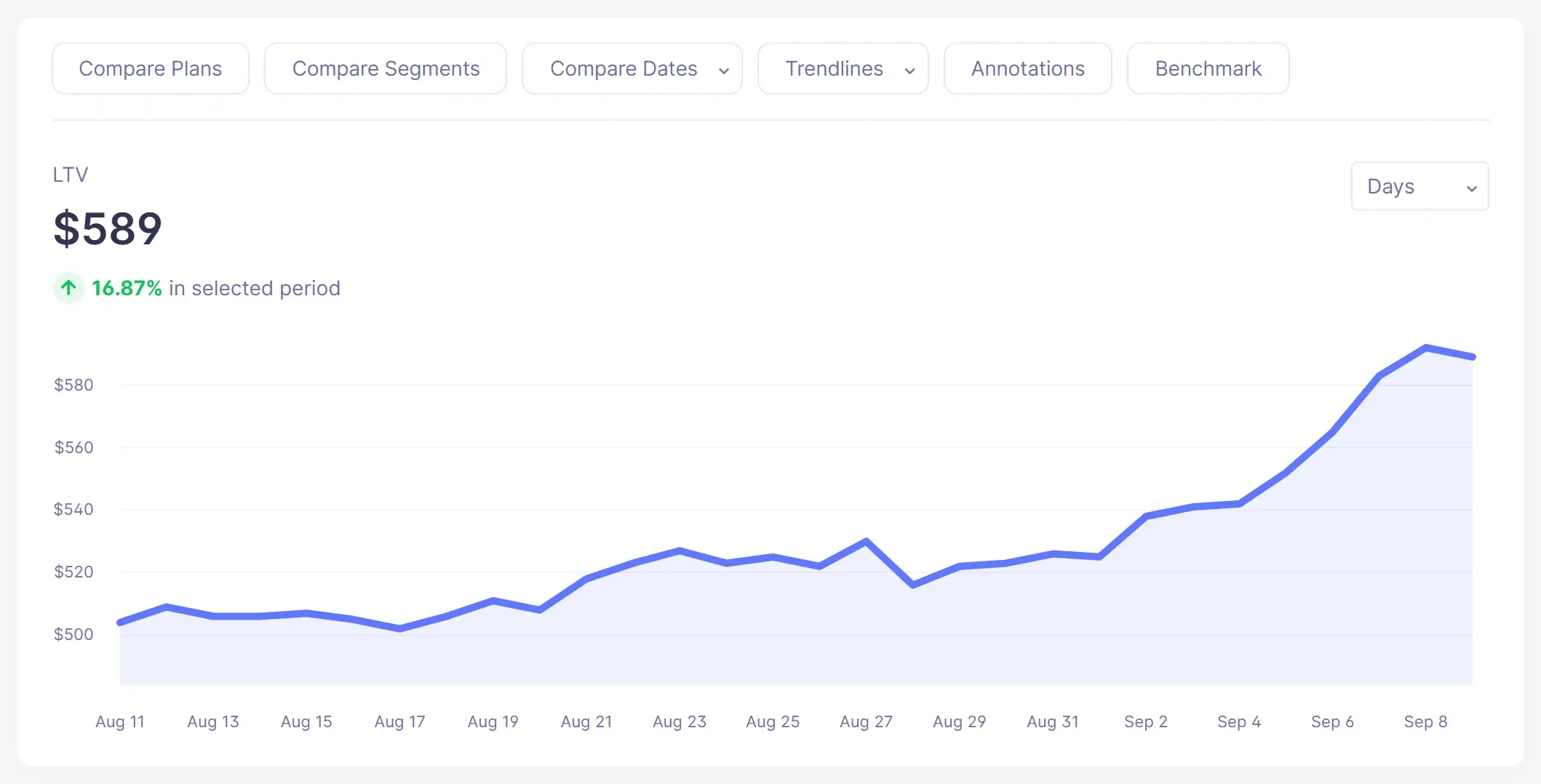
Customer lifetime value (LTV) trend chart in Baremetrics (sample data)
LTV in the live demo

Screenshots show sample demo data.

Source: Baremetrics Help Center, Google Play; Connecting your payment processors and data sources.

How does the Google Play connection work?

You need to be an Admin in Baremetrics and the Account Owner in Google Play Console.

  1. Enable the APIs. In Google Cloud Console, open API & Services, Enabled APIs, and make sure these are on: Google Play Android Developer API, Cloud Storage, Cloud Storage API, Google Cloud Storage JSON API and Google Play Developer Reporting API.
  2. Create a service account under IAM and Admin, Service Accounts, and grant it the Owner role on the project.
  3. Create a JSON key for the service account (Keys, Add Key, Create Key, JSON). It downloads automatically.
  4. Invite the service account in Google Play Console under Users and Permissions. App permissions: View financial data, and Manage orders and subscriptions. Account permissions: View app information and download bulk reports (read-only); View financial data, orders and cancellation survey responses; and Manage orders and subscriptions.
  5. Find your bucket ID. In Play Console, open Download Reports, Financial, and under Estimated sales reports click Copy Cloud Storage URI. Remove the gs:// and /reviews parts to leave the bucket ID, which looks like pubsite_prod_rev_123456.
  6. Add the bucket ID and JSON key in Baremetrics on the Data Connections settings page.

Source: Baremetrics Help Center, Google Play.

What are the limits of the Google Play integration?

Google's API restricts what Baremetrics can sync:

  • No customer email addresses. Google Play doesn't share them, so Recover and Cancellation Insights are not supported for Google Play subscriptions: Baremetrics can't send follow-up emails.
  • No trial insights. Google Play's API doesn't give access to historical trial data, so Trial Insights doesn't work for Google Play subscriptions.
  • Setup changes can take time. Google can take upwards of 24 hours to apply API changes, so a new connection may not work straight away.
  • Broad access is required. The connection needs the Account Owner, a service account with the Owner role on its Cloud project, and the Play Console permissions listed above. If any are missing, the integration fails.
  • Combined sources blend together. When you add other billing sources, not every graph can be broken out by individual source.

Source: Google Play help article; Connecting your payment processors and data sources.

Make more by knowing what drives growth of your business.

We're sick of the seemingly endless number of stale charts and graphs, so we work to make our design and interface lively and inspiring. Every feature is as useful as it is pleasing to the eye.

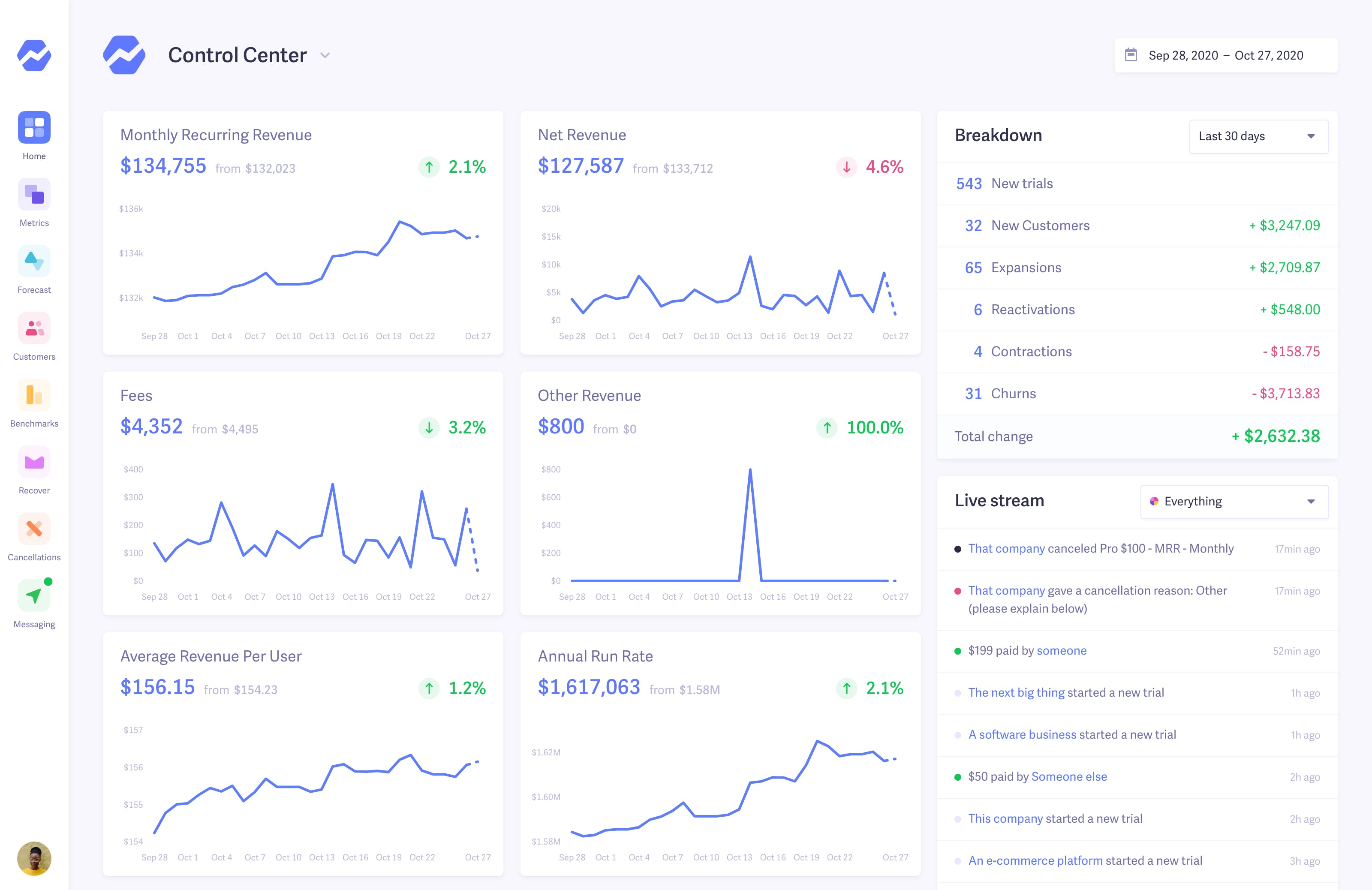
Control Center Control Center
Control Center

The lifeblood of your business — both visible at a glance and thoroughly detailed.

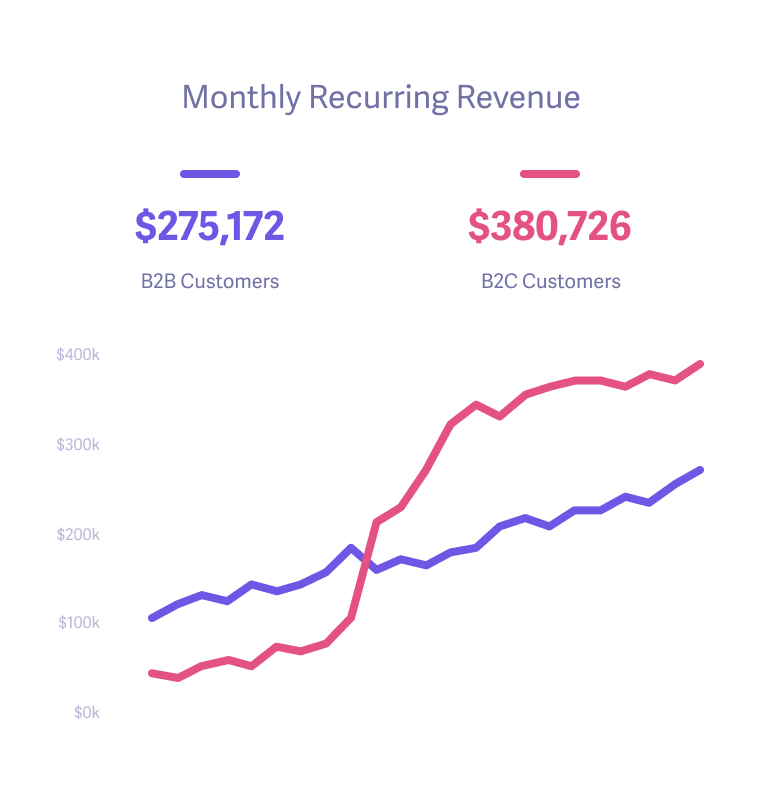
Smart Dashboards Dashboard
Dashboard

Dig deep into the details of what's driving growth and how it compares to previous months.

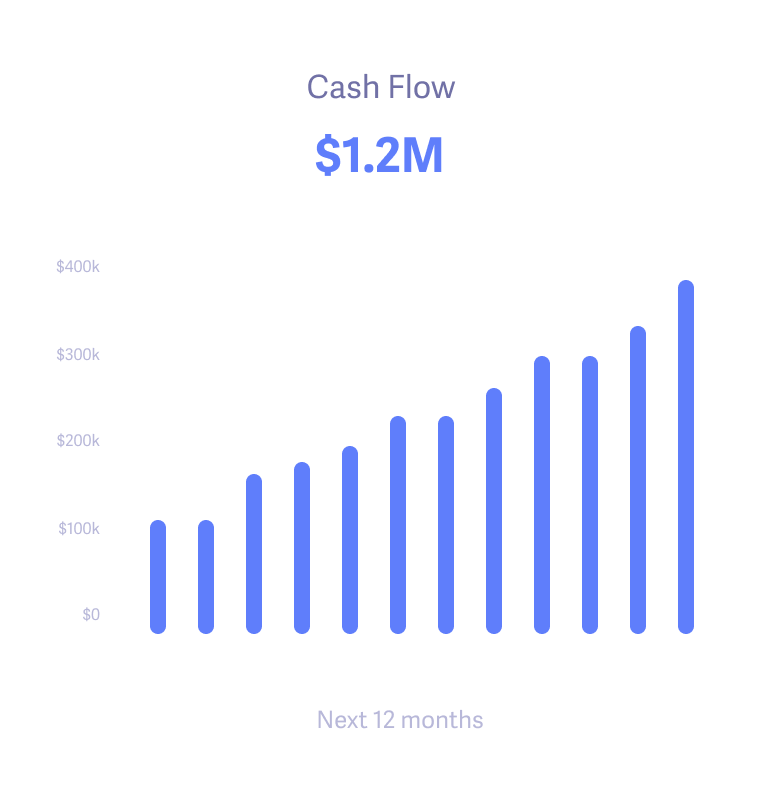
Fforecasting Forecast
Forecast

Make well-informed projections for hiring, expansion, and departmental budgets.

+900 companies using Baremetrics for growth
Customers Todoist
Customers Product Hunt
Customers Bigcartel
Customers Working Not Working
Customers Hubstaff
Customers Convertkit
Customers Lookback
Customers Npm

Make more by knowing what drives growth of your business.

We're sick of the seemingly endless number of stale charts and graphs, so we work to make our design and interface lively and inspiring. Every feature is as useful as it is pleasing to the eye.

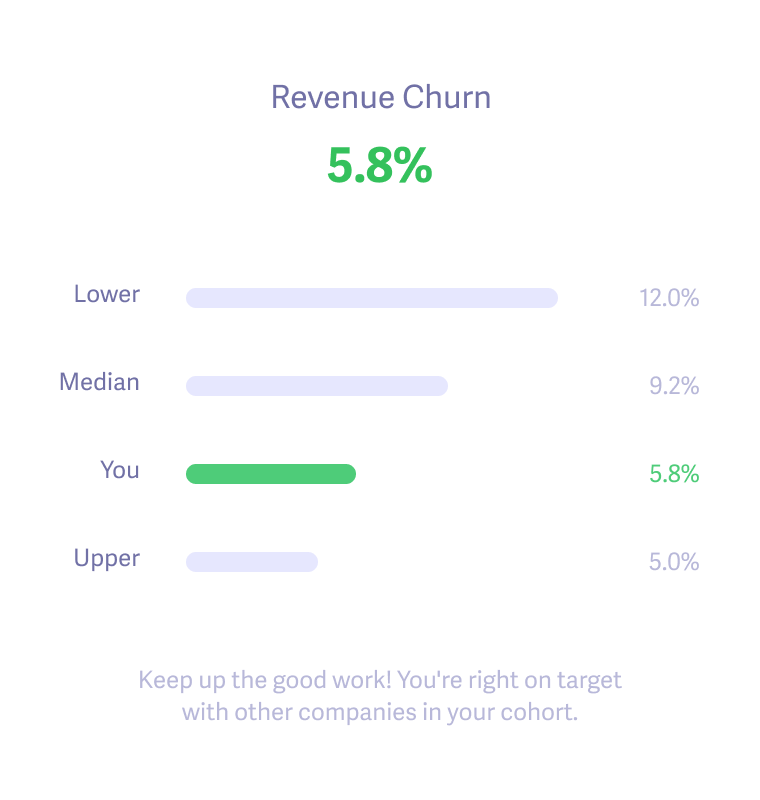
Benchmarks Benchmarks
Benchmarks

Get your metrics in the right context by looking at how you compare to other companies like you.

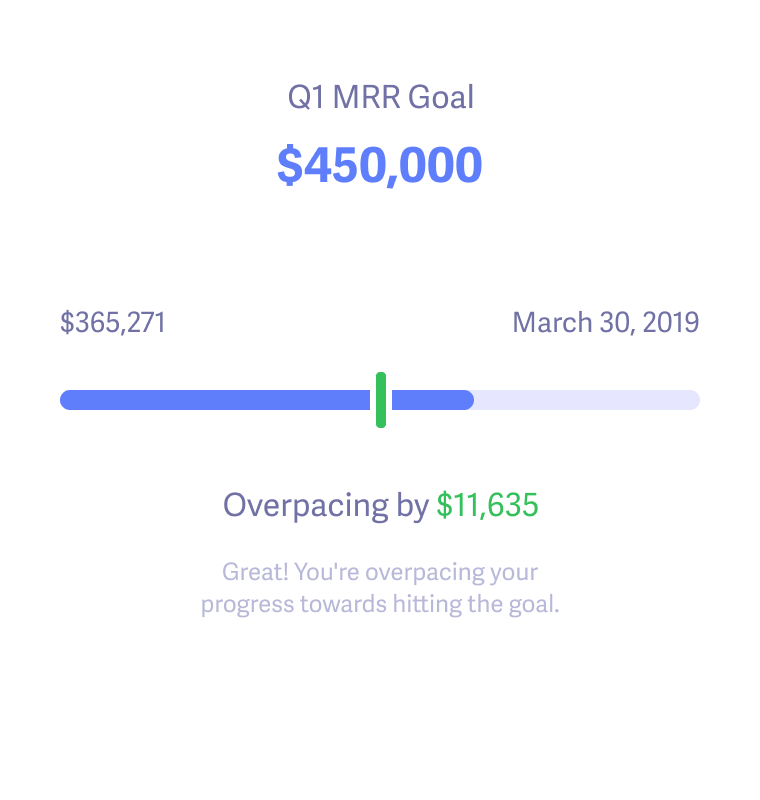
Smart Dashboards Goals
Goals

Track progress towards goals and rally the team to meet them.

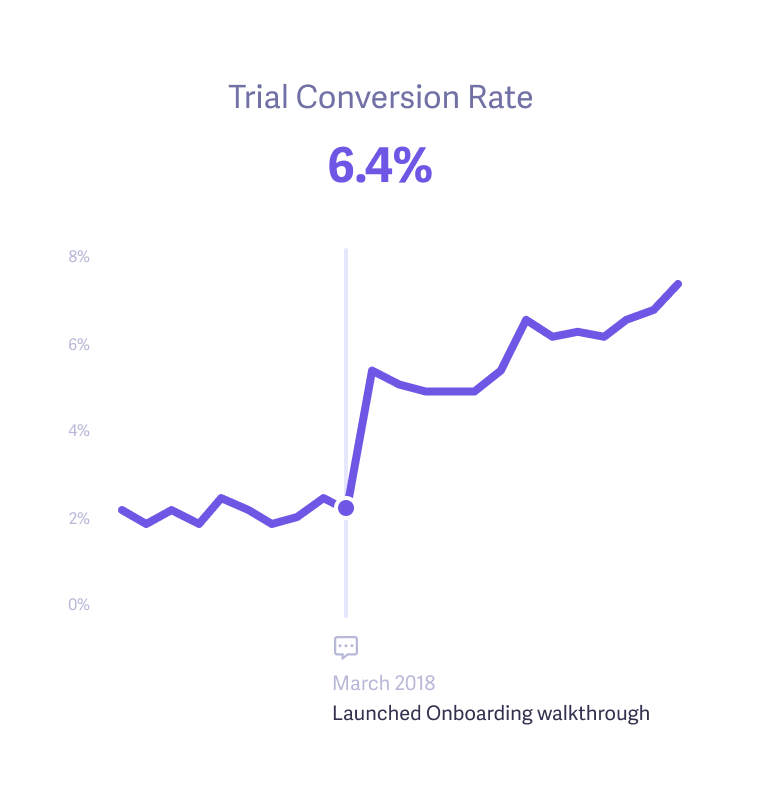
Trial Insights Trial Insights
Trial Insights

Add notes to determine how well new campaigns, experiments, and enhancements improve key metrics.

Read Baremetrics reviews on G2
Matt Later

"Thanks to Baremetrics, we're able to know what's going on with our revenue and customers, in real-time. Absolutely invaluable and miles ahead of doing it in spreadsheets or coding your own."

Matt Smith

COO and Founder at Later

Make more by making data-driven decisions with confidence.

Finally, you can get the data you need to uncover growth opportunities, get answers to your questions, and run sophisticated analyses with ease. Being data-driven and customer-obsessed just became a reality.

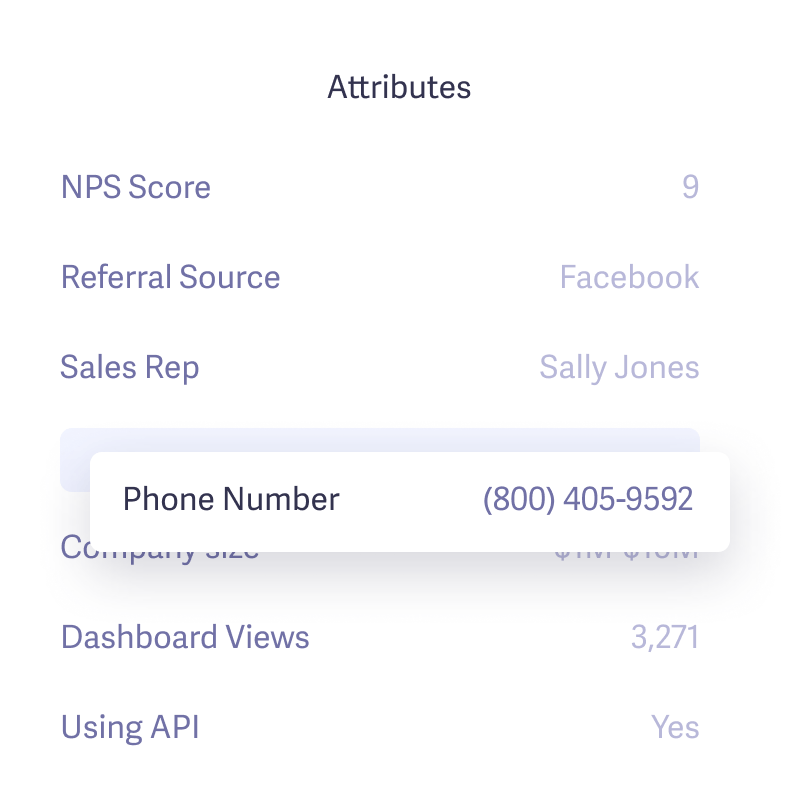
Augmentation Augmentation
Augmentation

Merge external data to create rich customer profiles and precise segments.

Segmentation Segmentation
Segmentation

Discover and compare your most profitable customer segments and the attributes that make them an ideal fit.

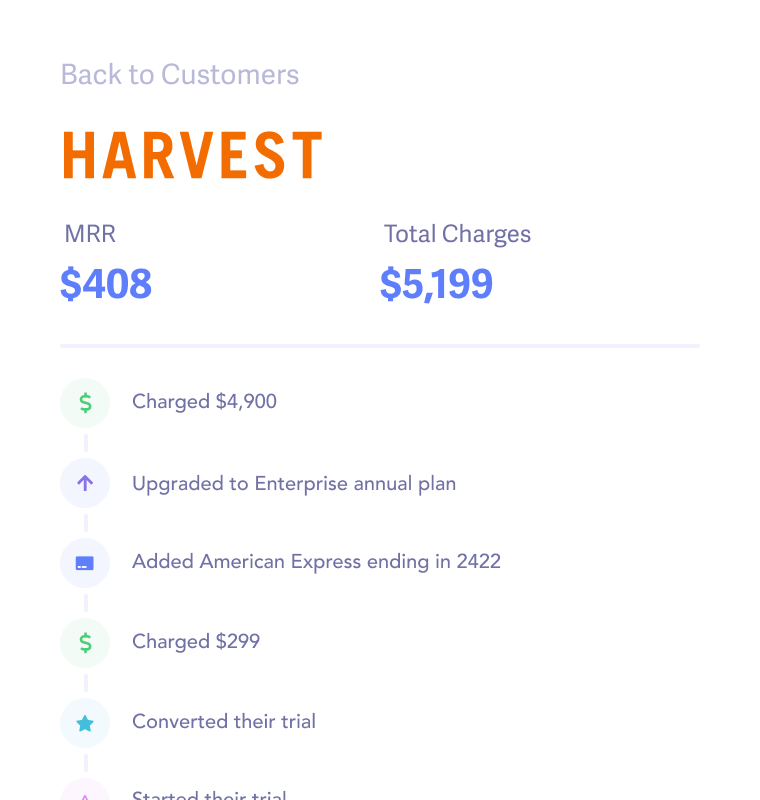
People Insights Customers
Customers

Zoom in to each and every customer with a full history of payments, events, and changes.

Open Startups

Join the movement of transparency innovators

Welcome to the land of the brave. These wonderful companies are embracing transparency and openness by sharing their metrics with everyone.
Innovators

Comparing tools?

Try Baremetrics on your own data before you decide

  • Subscription metrics from Stripe, Braintree, Chargebee, Recurly, Apple, Google and more, in one dashboard
  • Failed-payment recovery and cancellation insights for billing systems that share customer emails
  • Forecasting with Forecast+
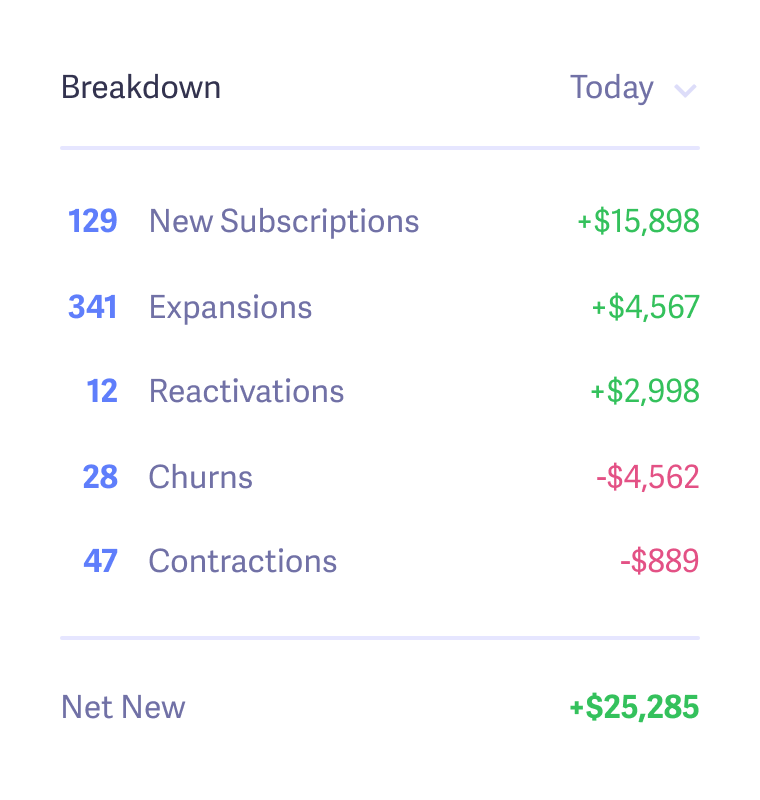
Baremetrics Control Center: MRR, net revenue and a daily breakdown of new customers, expansions and cancellations (sample data)

Start your free trial →Explore the live demo

Screenshot shows sample demo data.

Frequently Asked Questions

Connect Google Play to Baremetrics with a Google Cloud service account, its JSON key and your Play Console reports bucket ID. Baremetrics syncs your subscription data and reports MRR, ARR, churn, LTV and ARPU, alongside App Store and web revenue if you connect those too.

Enable the required Google Play and Cloud Storage APIs in Google Cloud Console, create a service account with the Owner role and a JSON key, and invite it in Google Play Console with the financial and orders permissions. Then copy your reports bucket ID from Download Reports, Financial, and enter it with the JSON key on the Baremetrics Data Connections page.

On the app: View financial data, and Manage orders and subscriptions. On the account: View app information and download bulk reports (read-only); View financial data, orders and cancellation survey responses; and Manage orders and subscriptions. Without them the integration fails.

No. Google Play doesn't share customer email addresses, so Recover and Cancellation Insights are not supported for Google Play subscriptions. Baremetrics still reports their MRR, churn and LTV.

Google Play's current API doesn't give access to historical trial data, so Trial Insights doesn't work for Google Play subscriptions. Baremetrics will expand support as Google's API changes.

Google can take upwards of 24 hours to apply API changes. Check that every required API is enabled and every permission is granted, wait, and contact Baremetrics support if the problem continues.

More questions? Contact us.

Get Baremetrics for your company

Metrics, dunning, and engagement tools for SaaS & subscription businesses.
Control Center